Clearpath Husky A200 payload integration: LiDAR, cameras and compute
Updated 2026-11-03 · YUANZHI ROBOTICS engineering team
A Clearpath Husky A200 can carry almost any sensor payload a field team needs: it measures about 990 × 670 × 390 mm, weighs about 50 kg and is rated for about 75 kg of payload. A complete inspection or mapping payload, including its frame, usually weighs between 5 and 25 kg, so mass is rarely the limit. What decides whether a Husky payload works in the field is a rigid mounting structure, a LiDAR mounted high enough to see over the robot, compute and power sized for the worst case on the robot's battery bus, and a low center of gravity for rough ground. This guide walks through each decision with the component figures we use in our own payload configurator.
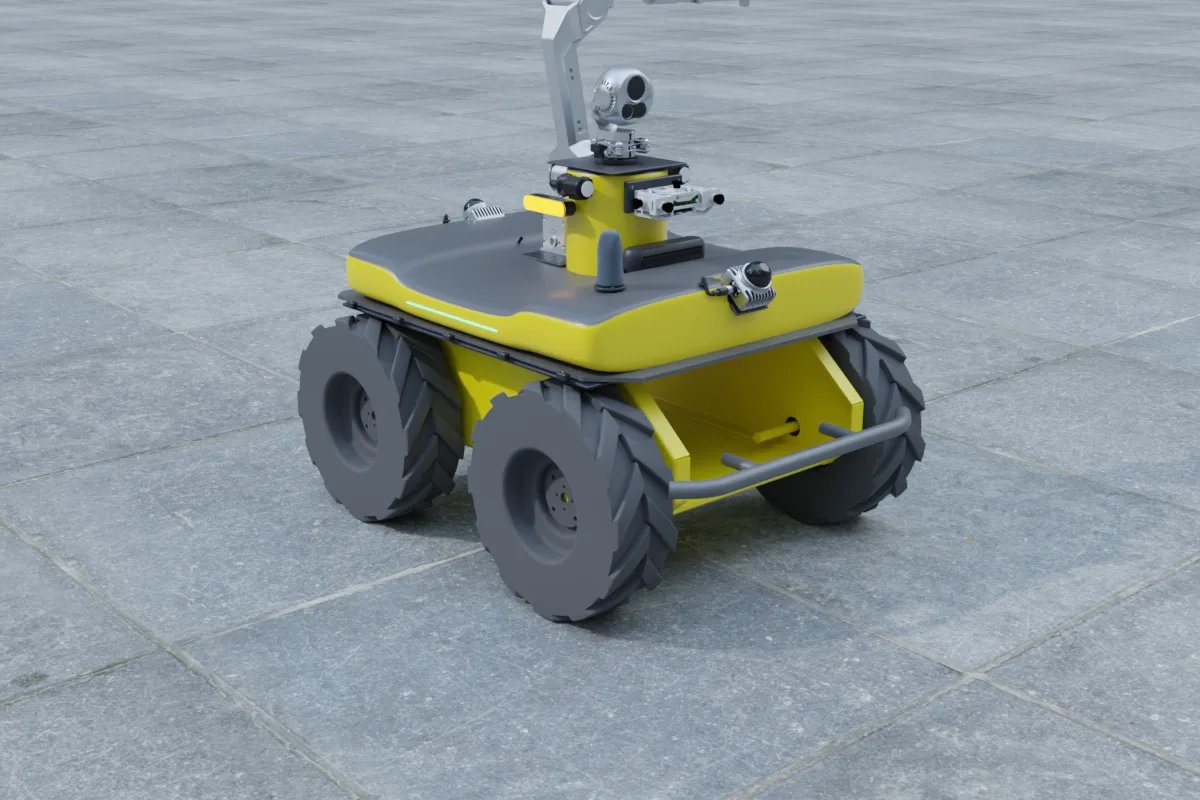
Step 1: pick the mounting structure before the sensors
The Husky's top deck is flat and generous, which tempts teams to bolt sensors straight onto it. That works for a single LiDAR, but it falls apart once you add a camera, a GNSS antenna pair, a compute box and cabling. We design every Husky payload around one of four structures:
| Structure | Weight (our builds) | Best for | Trade-off |
|---|---|---|---|
| Quick-release rail plate (10 mm aluminium, two rails) | 0.65 kg | R&D teams that swap sensors every week | Little enclosed space; compute and wiring stay exposed |
| 2020 aluminium-extrusion frame with top plate (60 mm high) | 2.4 kg | Most inspection payloads; compute box and battery fit inside the frame | Needs cable glands and covers if it will see rain or dust |
| Two-level extrusion rack | 3.6 kg | Full builds: industrial PC and battery below, sensors above | Raises the center of gravity; check slope stability |
| Extrusion platform with 1.2 m mast | 4.2 kg | Security patrol and long-range viewing; raising the PTZ camera and antennas | Mast sway on rough ground; heavy cameras need a guyed or shorter mast |
On a skid-steer robot that drives over gravel and kerbs, vibration is the enemy. Use thread-locking on every fastener, isolate the LiDAR and IMU from the frame with the mounts their manufacturers recommend, and avoid long cantilevered brackets. A stiff 2020 frame bolted at four or more points to the deck is a much better base than a tall single post.
Step 2: choose and place the LiDAR
The LiDAR drives the rest of the layout, because nothing else may block its field of view. Typical choices for a Husky, with the values from our component catalog:
| LiDAR | Weight | Power | Field of view / range | Use on a Husky |
|---|---|---|---|---|
| Livox Mid-360 | 265 g | 6.5 W | 360° × 59° (-7° to 52°), 70 m | Navigation, obstacle avoidance and LiDAR-inertial SLAM on a light budget |
| Hesai PandarXT32 | about 800 g | about 9 W | 360° × 31°, 120 m | Survey-style 3D mapping with longer range |
| Ouster OS1 (Rev7) | 377 g | up to 20 W | 360° × 45°, up to 250 m class | Long-range outdoor mapping; budget the higher power |
| Velodyne VLP-16 | 830 g | 8 W | 360° × 30°, 100 m | Legacy research stacks that already expect VLP-16 data |
Placement rules we follow on the Husky:
- Height: a spinning LiDAR with a narrow vertical field (30 to 31°) needs to sit well above every other sensor and the mast, or it will see its own payload in every scan. The Mid-360's upward-biased field (-7° to 52°) is forgiving for overhead structures, but it sees little of the ground directly beside the robot, so pair it with a depth camera if low obstacles matter.
- Self-occlusion filter: whatever remains in view (antennas, mast, PTZ housing) must be cropped in the driver or with a box filter before SLAM, otherwise the map gets a ghost of the robot at every pose.
- Rigid link to the IMU: if you run LiDAR-inertial odometry, mount the external IMU (or use the LiDAR's built-in one) on the same rigid plate and measure the extrinsics once, carefully.
If you are still choosing between LiDAR models, our LiDAR comparison for the Go2 EDU covers the same sensors from a weight-limited point of view.
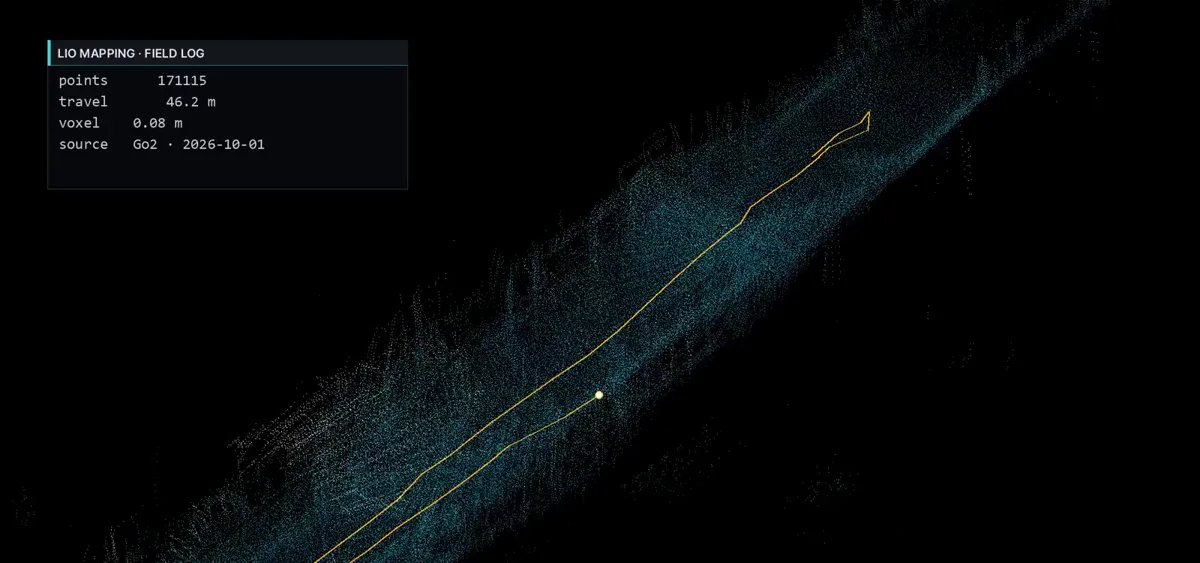
Step 3: cameras for the job, not the spec sheet
- Navigation depth: a stereo or structured-light camera at the front catches kerbs, pallets and drop-offs below the LiDAR's field. A Stereolabs ZED 2i weighs 230 g and draws about 1.9 W; an Intel RealSense D455 is a common alternative with an 87° × 58° depth field.
- Inspection and security: a compact dual-spectrum PTZ such as the Hikvision HM-TD5737T-4/W is about 2 kg and 20 W, an easy load for the Husky. Heavy industrial pan-tilt units such as the Dahua DH-TPC-PT8X20 (about 18 kg, about 70 W) also fit the rated payload, but they belong low and centered on the frame, not on top of a mast, and need their own power rail.
- Reality capture: a 360° camera mounted on a short pole above the LiDAR gives panoramas registered to the map. Keep it out of the LiDAR's vertical field.
For thermal gimbal selection in more depth, see how to choose a thermal or dual-spectrum gimbal.
Step 4: compute and power
Two compute tiers cover almost every Husky payload we design:
- Jetson Orin NX 16GB (up to 157 TOPS, up to about 40 W): LiDAR SLAM, Nav2 navigation, one or two camera AI models such as meter reading or person detection.
- Jetson AGX Orin 64GB (up to 275 TOPS, up to about 60 W): multi-camera perception, dense 3D mapping, or running a mapping stack and a perception stack at the same time. Our 3D-mapping preset for the Husky pairs it with a Hesai XT32, a 360° camera, dual-antenna RTK and an external IMU.
Power the payload from the robot's battery bus through a dedicated fused distribution board with isolated DC-DC converters for each voltage your sensors need. Add up the maximum draw, not the typical draw: a mapping build with an AGX Orin (60 W), an XT32 (9 W), a 5G module and a heated or PTZ camera can pass 100 W in cold weather, and that comes straight out of the Husky's drive time. Give the compute a soft-shutdown signal from the power board so a low battery does not corrupt the SSD.
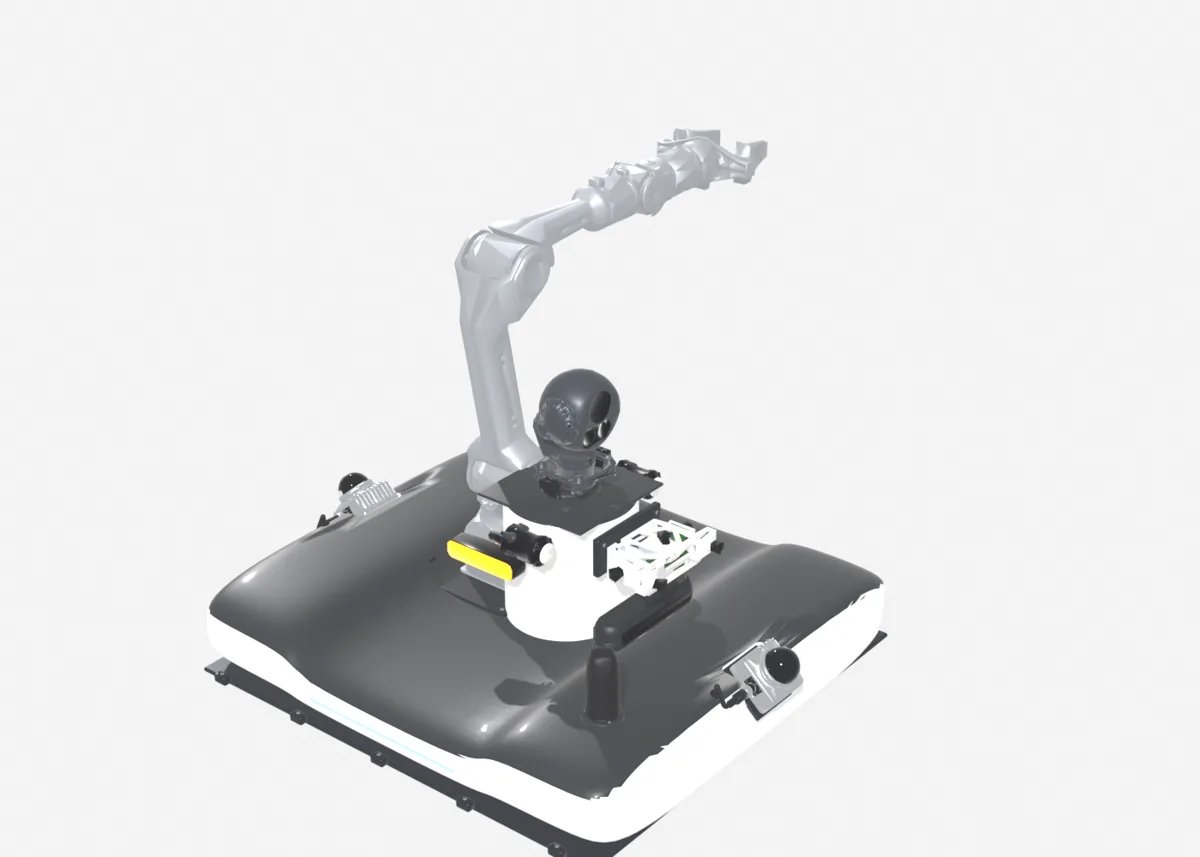
Step 5: positioning outdoors
For routes outside buildings, add RTK GNSS. A dual-antenna receiver such as the Unicore UM982 also gives heading, which removes the slow heading drift that troubles wheel-odometry and LiDAR-only localization on long straight paths. Mount the two antennas as far apart as the deck allows (the Husky's 990 mm length helps), on the same rigid plate, with a clear sky view above the mast and PTZ. Our dual-antenna RTK guide explains the baseline and setup in detail; the same rules apply to a UGV.
A worked weight check
A typical patrol build: 2020 frame (2.4 kg) + Hikvision dual-spectrum PTZ (about 2 kg) + Livox Mid-360 (265 g) + speaker and light unit (about 650 g, reference value) + compute enclosure, distribution board and cabling. Even with a generous allowance for the enclosure and wiring, this stays far below the 75 kg rating. The checks that actually fail on real robots are a top-heavy mast on side slopes, connectors working loose from vibration, and a power budget that left no margin for winter.
Where to go next
You can sketch a Husky payload, see the weight and power total, and send it to us for a quote in our online payload configurator. The Clearpath Husky A200 platform page lists the sensors and structures we support. If you are still deciding on the base, compare it with the AgileX Hunter 2.0. We handle the full integration, from UGV payload design and build to navigation and autonomy software and complete inspection robot systems.
FAQ
What payload can a Clearpath Husky A200 carry?
Clearpath rates the Husky A200 at about 75 kg of payload on a robot that weighs about 50 kg. Most sensor payloads (LiDAR, cameras, compute, GNSS) weigh 5 to 25 kg including the mounting frame, so the practical limits are center of gravity, vibration and power rather than mass.
Which LiDAR is best for a Husky A200?
For navigation and SLAM a Livox Mid-360 (265 g, 6.5 W, 360 x 59 degree field of view) is a light, low-power choice. For survey-grade mapping a 32-channel spinning LiDAR such as the Hesai PandarXT32 (about 800 g, about 9 W, 120 m range) gives denser, longer-range point clouds. Mount either one high enough that the chassis and other sensors do not block the beams.
What computer should I put on a Husky A200 payload?
A Jetson Orin NX 16GB (up to 157 TOPS, up to about 40 W) handles LiDAR SLAM, navigation and one or two camera AI models. For multi-camera perception or dense 3D mapping, a Jetson AGX Orin 64GB (up to 275 TOPS, up to about 60 W) gives more headroom. Budget the full power envelope, not the idle draw.
Can a Husky A200 carry a PTZ thermal camera for security patrol?
Yes. A compact dual-spectrum PTZ such as the Hikvision HM-TD5737T-4/W (about 2 kg, about 20 W) is an easy fit. Heavy industrial pan-tilt units of 15 to 20 kg also fit within the rated payload but should be mounted low and centered and need a dedicated power rail.
Who can design and integrate a payload on a Husky A200?
YUANZHI ROBOTICS designs and builds sensor payloads for UGVs including the Husky A200: mounting structure, wiring and power distribution, compute, ROS 2 drivers and navigation software. You can sketch a configuration in our online configurator and request a quote.