Using an Intel RealSense D435i on a quadruped for obstacle detection
Updated 2026-11-03 · YUANZHI ROBOTICS engineering team
An Intel RealSense D435i is a good near-field obstacle sensor for a robot dog: at 75 g and about 2.5 W it adds almost nothing to the payload budget, its 87° × 58° depth field of view covers the ground in front of the feet, and it gives usable depth out to roughly 3 m. It does not replace a LiDAR for mapping or localization. The setups that work best use the D435i for what the LiDAR misses: low obstacles, step edges, close-range clutter and drop-offs directly in front of the robot. This guide covers mounting angle, cabling, ROS 2 integration, the failure cases we see on real robots, and when to choose a D455, ZED X Mini or OAK-D instead.
What the D435i is good at on a robot dog
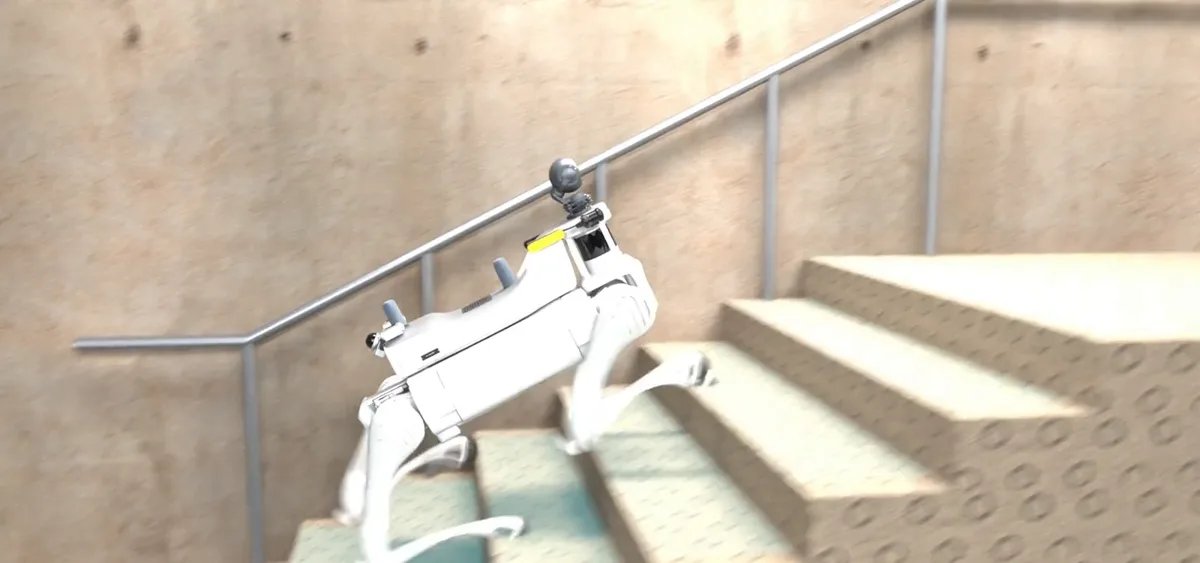
A quadruped walks with its body a few tens of centimetres above the ground and pitches with every gait cycle. A LiDAR mounted on the back sees well at mid range but has a blind zone close to the body, especially below and in front of the front legs. The D435i fills exactly that zone. Its global-shutter stereo pair produces dense depth at video rate, so curbs, cables on the floor, pallet corners and the edge of a downward stair show up as a continuous surface rather than a few sparse points. The built-in IMU gives motion data alongside each frame, which helps when you need to correct for body pitch before projecting depth into a height map.
It is weak where every active-IR stereo camera is weak: direct sunlight washes out the projector, so outdoors at noon it falls back to passive stereo, and depth on low-texture surfaces such as plain concrete becomes patchy. Glass, polished metal and water give wrong or missing depth. Beyond about 3 m the depth is noisy enough that we do not use it for stop decisions.
Mounting: angle matters more than position
- Tilt it down. Pitched roughly 25° to 35° below horizontal, the 58° vertical field of view covers the ground from just ahead of the front feet to around 2 m out, and still shows obstacles up to the robot's body height. Mounted level, half of the image is spent on walls and ceiling and the critical first metre is out of view.
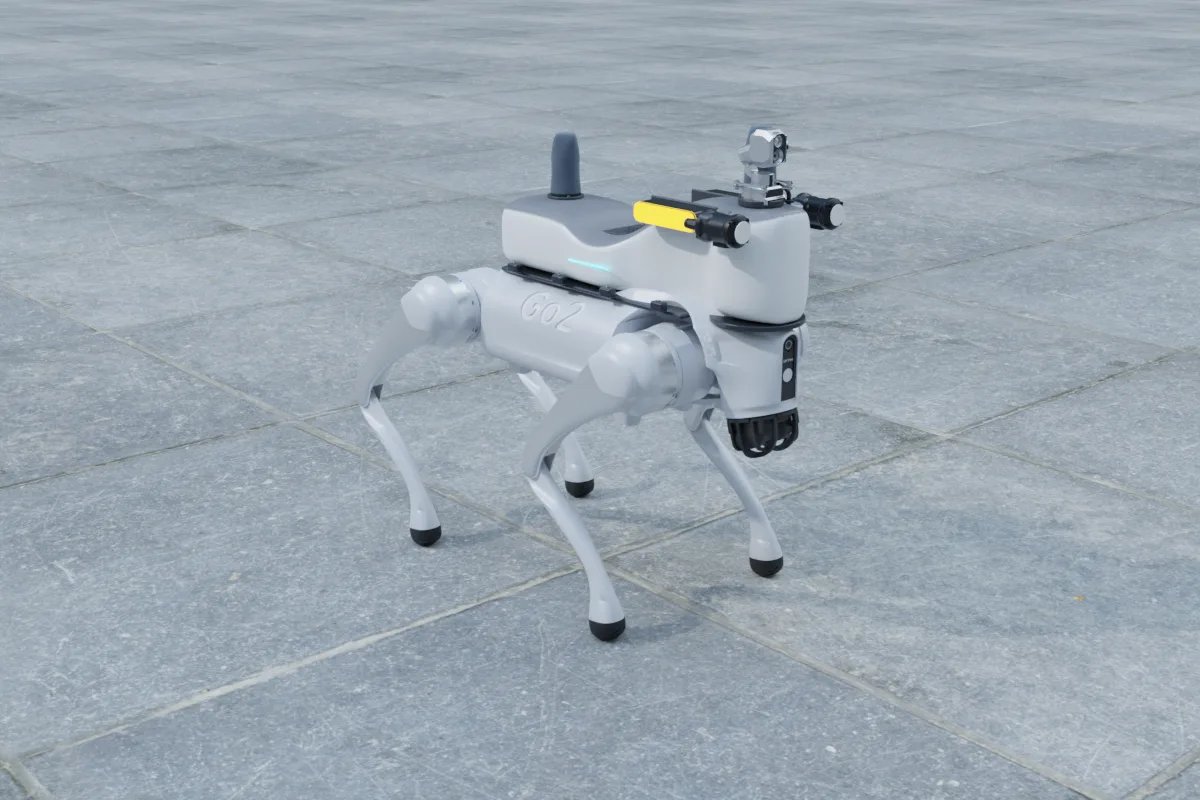
- Keep it forward of the head. On a Go2 EDU or Lite3 the camera should sit on the front edge of the payload frame so that the robot's own head and front legs do not appear in the image. Leg points in the depth cloud are the most common source of phantom obstacles.
- Isolate vibration lightly. Foot impacts couple into the frame at the gait frequency. A rigid aluminium bracket with thin rubber washers is enough; soft mounts let the camera oscillate and smear the depth.
- Protect the glass. The D435i housing is not sealed. For outdoor or dusty sites put it behind a recessed cover with a small hood, and treat it as a part that is replaced, not repaired.
Cabling and compute
The D435i needs a real USB 3 link. On a moving robot the USB-C connector is the weak point: use a short, right-angle cable with strain relief, route it so leg motion cannot pull it, and avoid unpowered hubs. A link that silently drops to USB 2 cuts the available depth resolution and frame rate, and the first symptom is usually a navigation stack that reacts late. On the compute side, one D435i at 848 × 480 and 15 to 30 fps is light for the RealSense SDK, but converting it to a point cloud and filtering it does add load. An NVIDIA Jetson Orin NX handles a LiDAR SLAM stack plus one or two depth cameras comfortably; our onboard compute guide goes through the trade-offs.
ROS 2 integration that actually avoids obstacles
- Run the official
realsense2_cameradriver at 848 × 480 with the decimation, spatial and temporal filters enabled. Higher resolution rarely improves obstacle detection and costs bandwidth. - Crop the cloud with a box in the body frame so that the robot's legs and payload never enter the costmap.
- Remove the ground plane in a gravity-aligned frame (from the robot's IMU or the camera IMU), keep points between a few centimetres above the floor and the body height, and mark anything well below the expected floor as a drop-off.
- Feed the result into Nav2 as its own obstacle or voxel layer next to the LiDAR layer, with its own clearing settings, so that a washed-out frame in sunlight does not erase real obstacles that the LiDAR still sees.
- Test with the hard cases: a cable on the floor, a single step down, a black rubber mat, a glass door. If the robot handles all of them and does not stop for its own shadow, the setup is done.
D435i or another depth camera?
| Camera | Size (mm) | Weight | Power | Useful range | Choose it when |
|---|---|---|---|---|---|
| Intel RealSense D435i | 90 × 25 × 25 | 75 g | 2.5 W | about 3 m | Near-field obstacles and step edges on a small dog; the lightest option |
| Intel RealSense D455 | 124 × 26 × 29 | — | — | about 6 m | Faster walking speeds where you need to see further ahead |
| Stereolabs ZED X Mini | 93.6 × 31.8 × 36.7 | 151 g | 1.46 W | about 8 m | Mostly outdoor work; the GMSL2 link and IP67 housing cope with vibration and weather |
| Luxonis OAK-D S2 | — | 91 g | 5 W | — | You want object detection to run on the camera and save host compute |
Figures come from the manufacturers' published specifications as recorded in our component catalog; a dash means we do not list a verified figure.
Where the D435i fits in a full payload
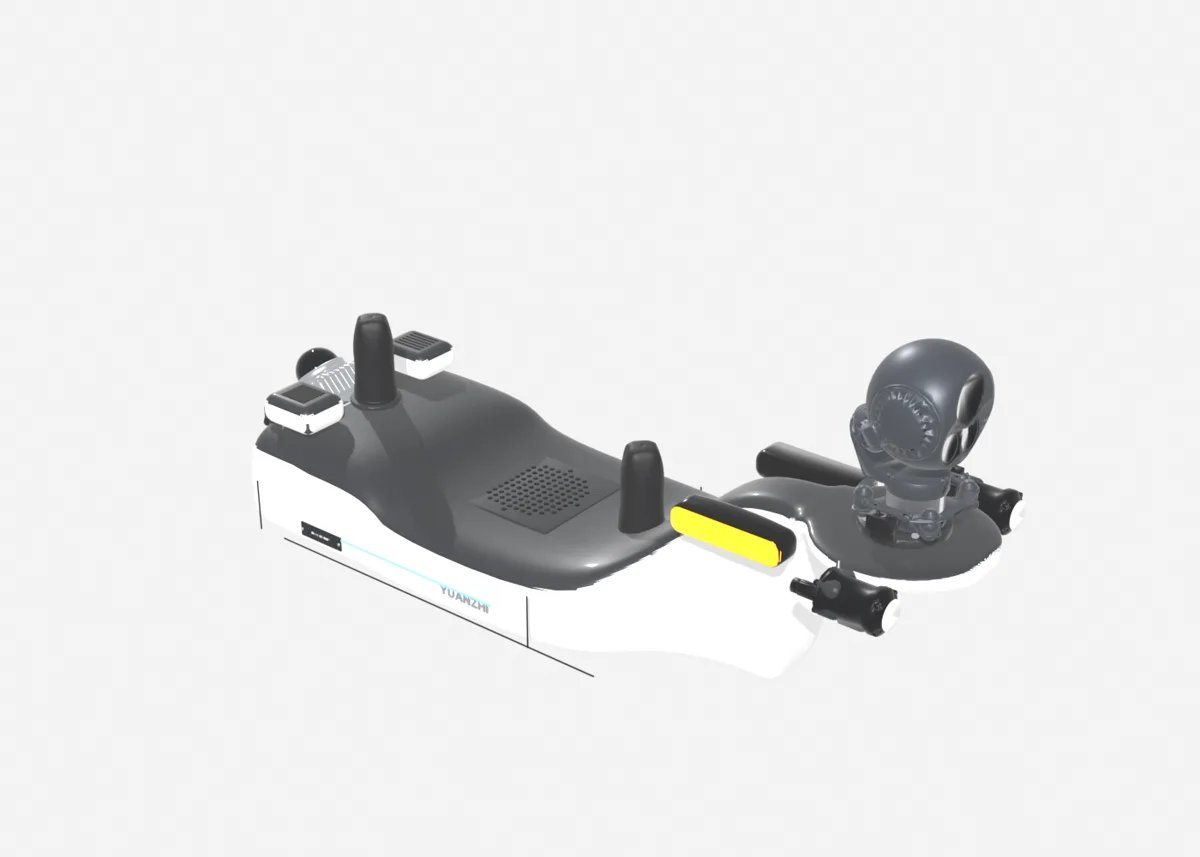
On inspection robot dogs we treat the depth camera as the safety layer and the LiDAR as the navigation layer. A typical Go2 EDU or Lite3 payload combines a Livox Mid-360 for mapping and localization, a D435i at the front for close obstacles and stairs, and a PTZ or thermal camera for the inspection task itself. If you are still choosing the LiDAR, see the best LiDAR for a Unitree Go2.
Plan your own
You can place a D435i and the rest of the sensor set on a real robot model, with live weight and power totals, in our payload configurator. The platform pages for the Unitree Go2 EDU, DEEP Robotics Lite3 and Unitree B2 show what fits each robot. If you need the obstacle layer, mapping and navigation integrated and tuned on your own robot, see our robot autonomy, robot payload and quadruped development services.
FAQ
Can a RealSense D435i replace a LiDAR on a robot dog?
No. Its depth is usable only to about 3 m and degrades in sunlight, so it is not enough for mapping and localization. Use it as the close-range obstacle and step-edge sensor next to a LiDAR such as a Livox Mid-360.
What angle should I mount a D435i on a quadruped?
Tilt it roughly 25 to 35 degrees below horizontal at the front edge of the payload. That covers the ground from just ahead of the front feet to around 2 m out and keeps the robot's own legs out of the image.
Does the D435i work outdoors on a robot dog?
It works, but in direct sunlight the IR projector is washed out and depth on plain surfaces becomes patchy, and the housing is not sealed. For mostly outdoor robots a ZED X Mini with an IP67 housing and GMSL2 link is usually the better choice.
How do I add a D435i to Nav2 for obstacle avoidance?
Run realsense2_camera with filtering, crop out the robot body, remove the ground plane in a gravity-aligned frame, mark points well below the floor as drop-offs, and feed the cloud to Nav2 as a separate obstacle or voxel layer next to the LiDAR layer.
D435i or D455 for a quadruped?
The D435i is smaller and lighter and is enough at walking speed for near-field obstacles. The D455 sees to about 6 m and suits faster robots that need to react earlier, at the cost of a wider housing.