Running ROS 2 Nav2 on a Unitree Go2 EDU: what works and what needs custom work
Updated 2026-11-06 · YUANZHI ROBOTICS engineering team
A Go2 EDU plus Nav2 is the obvious starting point for autonomous navigation on a low-cost quadruped, and most teams get the robot moving to a goal within days. Getting it to do that reliably on a real site, every day, through doors and past people, is a different amount of work. This guide walks through the pieces in the order you will meet them, says what is configuration and what is engineering, and lists the traps we have seen on our own builds.
1. The bridge: from cmd_vel to the robot
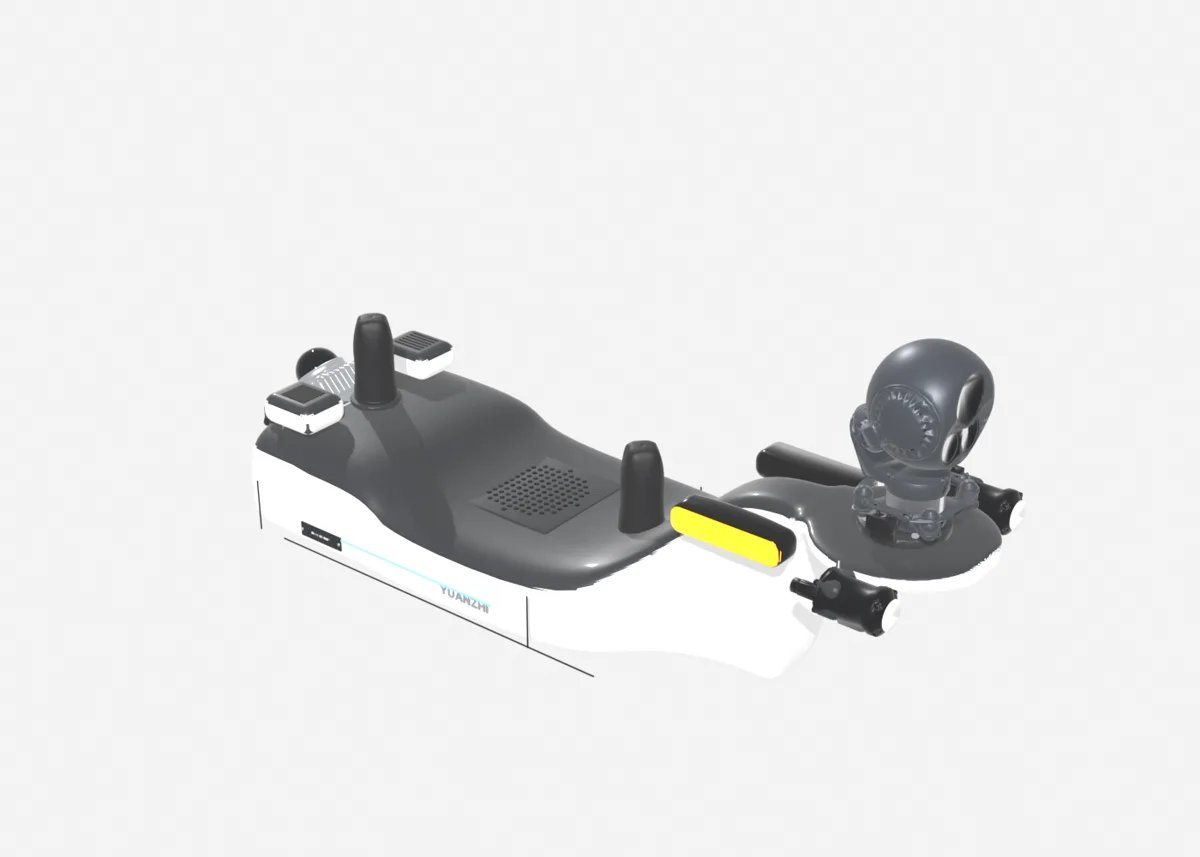
The Go2 publishes its state and accepts sport mode requests over DDS. With unitree_ros2 on the payload computer and CycloneDDS bound to the Ethernet interface that faces the robot, you see the robot's topics directly in ROS 2. A small node converts Nav2's geometry_msgs/Twist into the sport mode move request (forward, lateral and yaw velocity), with limits and a timeout that stops the robot if commands stop arriving. This part is straightforward and takes a day.
Two details save time: put the robot and the payload computer on the same DDS domain with an explicit interface in the CycloneDDS configuration, and never let the bridge forward commands while the robot is lying down or in a mode where it will not walk.
2. Odometry and the TF tree
Nav2 expects map, odom and base_link frames with odometry that is smooth over seconds. The robot's own state estimate is a start, but on a walking body it drifts and jumps slightly with each step. We use LiDAR-inertial odometry on a back-mounted Livox Mid-360 (FAST-LIO2 or Point-LIO) as the odometry source and publish the static transforms for every sensor from measured bracket offsets. Get the extrinsics right here; errors show up later as walls that move in the costmap.
3. Map and localization
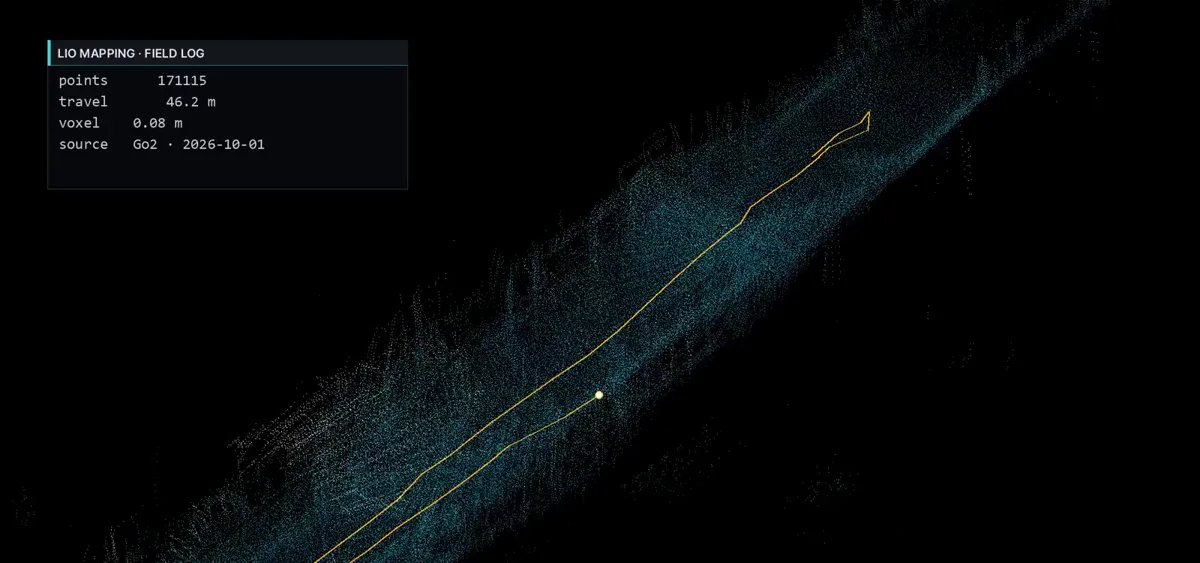
- Build the map with the same LiDAR-inertial pipeline, then rebuild it offline with loop closure and removal of moving objects. Exported live maps carry people, doors in odd positions and drift.
- Localize against the 3D map with scan-to-map matching and give Nav2 a 2D occupancy grid projected from it for planning.
- AMCL on a 2D scan from the head L1 works in small rooms; in large or repetitive areas it loses track more often with gait motion.
4. Costmaps for a quadruped
- Filter the robot's own legs and payload out of the point clouds, or the robot sees itself as an obstacle.
- The Mid-360 has a blind cone around the feet; add the head L1 cloud as a second observation source for low obstacles close in.
- Use a voxel layer with a height band that ignores the floor but keeps steps and kerbs, and an inflation radius sized to the robot plus payload, not the bare robot.
- Glass and shiny floors produce false returns; mark known glass on the map rather than trusting the sensor.
5. Controller and tuning
A quadruped does not accelerate smoothly like a wheeled base; it changes speed in steps. Regulated Pure Pursuit is the easiest controller to make look calm; MPPI is better in tight spaces and can use lateral motion once tuned. Whatever the controller, set velocity and acceleration limits to what the gait really achieves, add a small deadband so the robot does not shuffle in place near the goal, and tune goal tolerances to the precision you actually need for inspection points.
6. What Nav2 does not solve
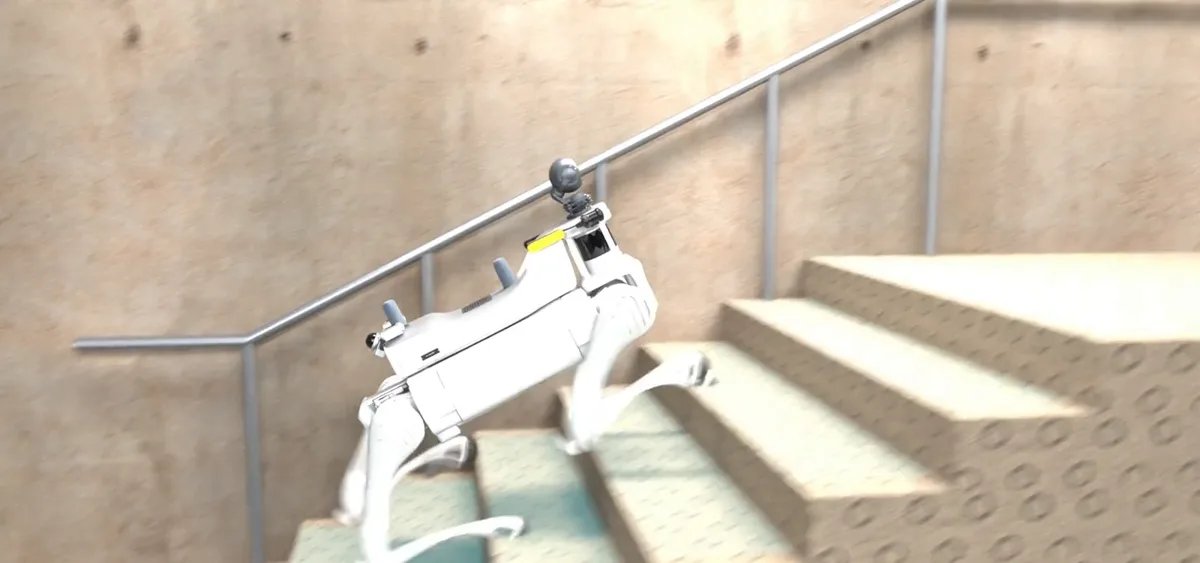
- Stairs and slopes. Nav2 plans in 2D. Stairs need detection, a stair-climbing gait mode and a separate behaviour that hands control back to Nav2 at the landing.
- Narrow doors. A 60 to 80 cm door is tight for a quadruped with a payload; it needs a door approach behaviour, not just a smaller inflation radius.
- Docking. Final alignment to a charging dock needs a marker or a precise local alignment, not a Nav2 goal.
- Recovery. Lost localization, a robot that sat down, a fall, a blocked corridor: each needs a defined behaviour and an alert to the operator.
- Multiple floors. Map switching at stairs or lifts is application logic.
- The operator. Inspection points, scheduled rounds, live video and a one-button return are the application around Nav2.
Realistic timeline
Robot moving to a goal on a map: a few days. Reliable navigation through a real building with doors, people and docking: several weeks of tuning on site. A complete inspection application on top: more. If you already have a Go2 EDU and a site in mind, we can tell you which of these steps our existing stack covers and what would be new work for your site.
FAQ
Does Unitree provide a Nav2 integration for the Go2?
Unitree provides unitree_ros2, which exposes the robot's state, the head LiDAR cloud and the sport mode request topics over DDS, and the unitree_sdk2 C++ SDK. There is no maintained Nav2 configuration from the manufacturer; the bridge, odometry, SLAM, costmaps and tuning are the integrator's work.
Which ROS 2 distribution should I use?
Humble on Ubuntu 22.04 is the common choice on a Jetson Orin payload computer, with CycloneDDS configured to the robot's network interface. Foxy still appears in older examples. Match the DDS implementation and domain to what the robot expects, or topics will not appear.
Should I use AMCL or SLAM-based localization?
On a quadruped we use LiDAR-inertial odometry (FAST-LIO2 or Point-LIO on a back-mounted Mid-360) for odometry and localize against a prebuilt 3D map, then give Nav2 a 2D projection for planning. AMCL on a 2D scan from the head LiDAR works in small rooms but loses track more easily with gait motion.
Which Nav2 controller works best?
Regulated Pure Pursuit is the easiest to make smooth for a robot that follows a path; MPPI handles tight spaces and lateral motion better once tuned. DWB works but needs more care. Whichever you choose, cap accelerations to what the gait actually delivers and add a small deadband, or the robot will stutter.
What is still custom work after Nav2 moves the robot?
Stairs and slopes, narrow doors, docking, recovery from a fall or a lost localization, map management for several floors, inspection points and an operator interface. Nav2 is the motion layer; the application around it is where most of a real project goes.