How to calculate the weight and power budget of a robot payload
Updated 2026-10-31 · YUANZHI ROBOTICS engineering team
Most payload projects that go wrong do so on the budget, not the sensors. The robot is slower than expected, the runtime halves, the compute throttles on a warm afternoon, or the robot tips on a ramp. All of these come from mass, balance, power and heat that were added up late or not at all. This is the method we use before any CAD is drawn, with the numbers we use in practice.
Start from the robot, not the sensors
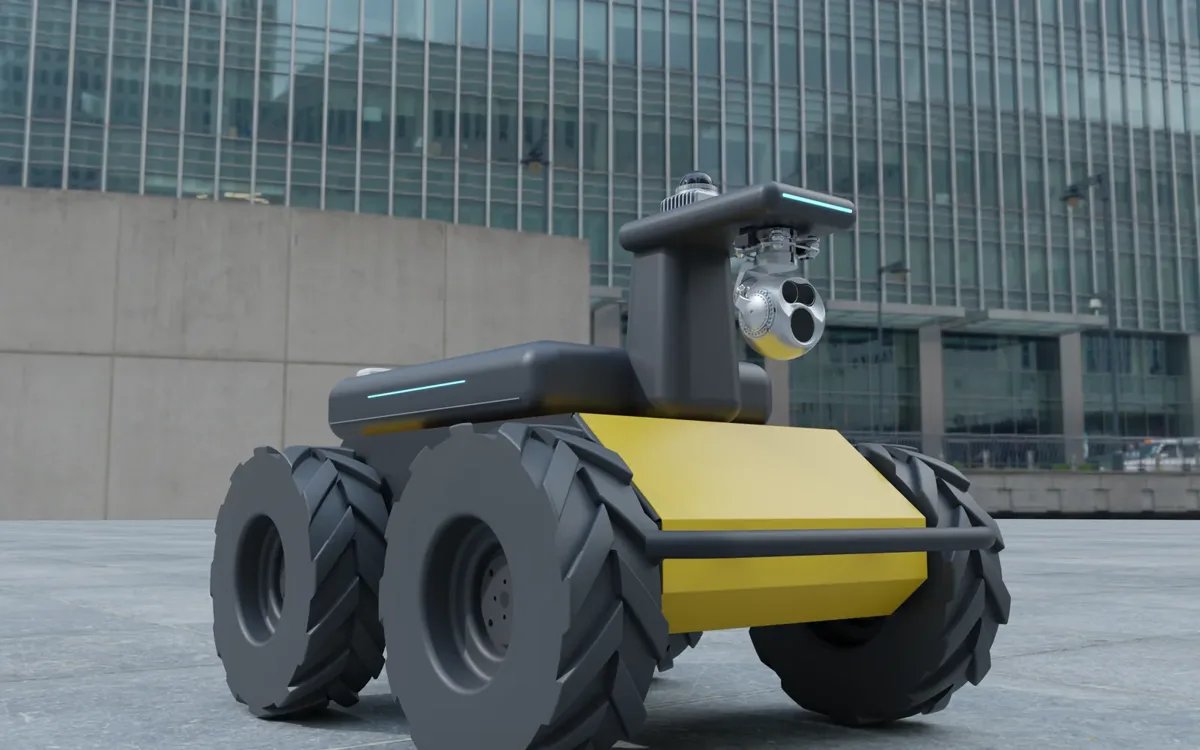
Write down four numbers from the robot's datasheet: the continuous payload while walking or driving (not the standing or static figure), the robot's own mass, the runtime with no payload, and what the payload power port can supply. These set the frame for everything else.
The continuous payload is the one that matters. Quadrupeds in particular quote a large static load and a much smaller walking load; the walking load is already reduced for slopes and stairs, and the robot's gait controller assumes the mass is near its own centre. We plan the sensor payload at no more than about 60 percent of the continuous rating. The remaining 40 percent covers the mounting structure, enclosure, cables and connectors, which together add 20 to 40 percent to the bare sensor mass, plus whatever the customer adds in year two.
The mass column
List every item with its datasheet mass, then add the items datasheets do not mention:
- sensors and modules at their datasheet mass, including lenses and connectors;
- compute module with its carrier board and heatsink, which is often two to three times the module alone;
- battery, if the payload has its own: a 48 V 20 Ah pack is about 6 kg, a 24 V 10 Ah pack about 1.5 kg;
- enclosure: a CNC aluminium shell for a B2-class payload is 1.5 to 3 kg, a printed or sheet-metal shell for a Go2-class payload 0.3 to 0.8 kg;
- mounting plate, standoffs, vibration isolators, cable glands and the cable set, typically 10 to 15 percent of everything above;
- a pan-tilt unit, if there is one, including its slip ring and bracket.
As a reference, a complete inspection payload for a B2 or X30 (dual-spectrum gimbal, acoustic imager, gas block, LiDAR, compute, RTK, 5G, own battery, aluminium shell) comes to 9 to 12 kg. A Go2 EDU mapping payload (Mid-360 LiDAR, depth camera, compute, no battery) is 1.5 to 2.5 kg.
Centre of gravity
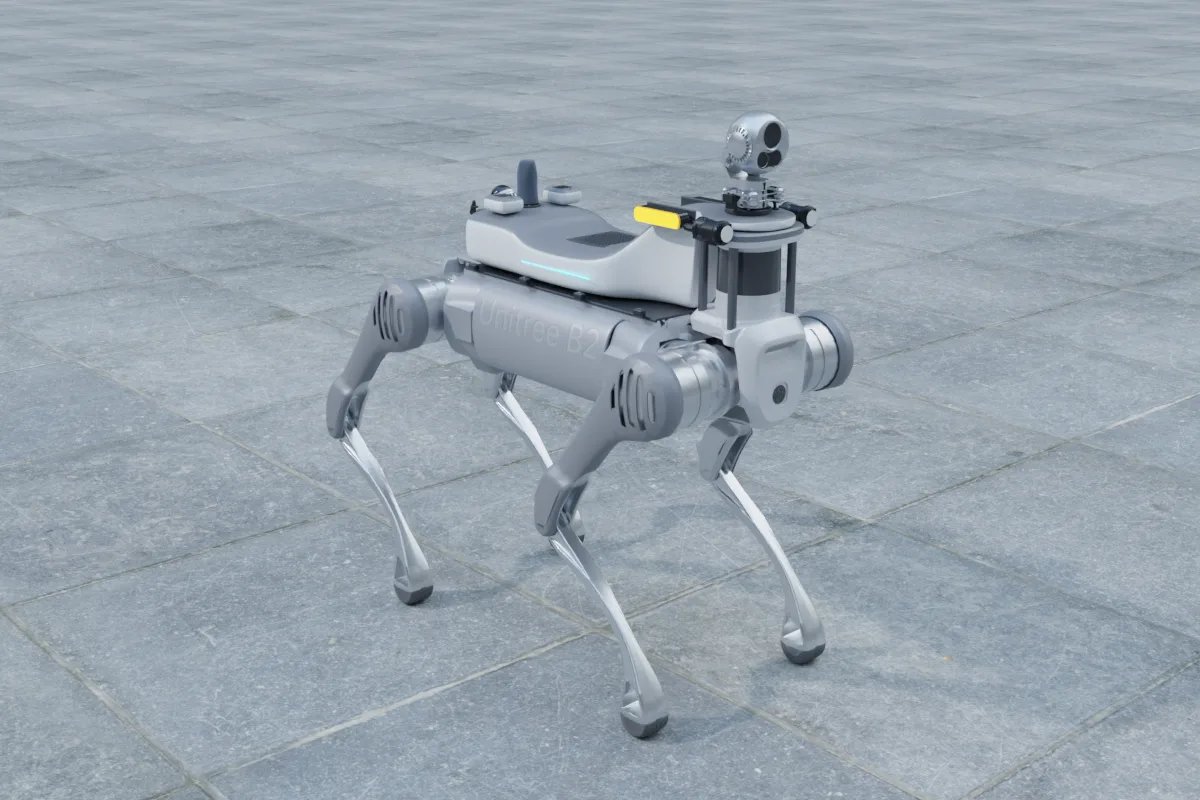
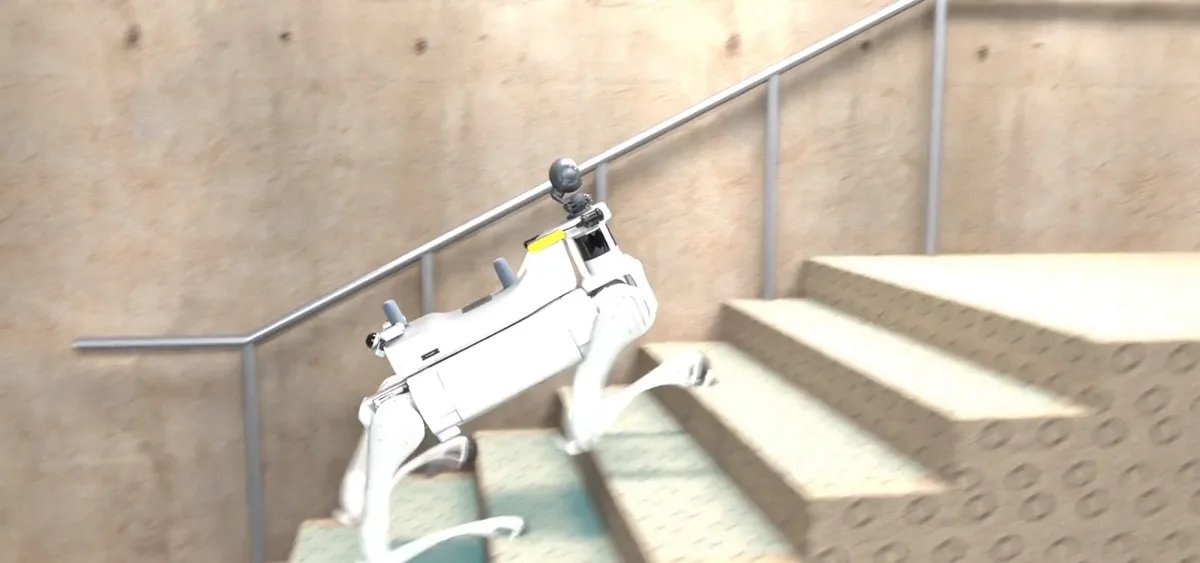
Mass alone is not the problem; where it sits is. A quadruped's controller balances around the robot's own centre of mass, which is roughly between the hips. A payload that puts its mass forward makes the front legs work harder and the robot stumble on stair edges; one that sits high raises the tipping point on slopes and makes the robot roll when it turns fast. The rules we follow:
- batteries and compute, the densest items, go low and central, inside the body envelope if the robot allows it;
- the gimbal goes at the front because it needs the view, and is kept as light as the optics allow;
- LiDAR goes on top at the rear or centre, where it has a clear 360 degree view and its 250 to 400 g does little harm;
- the combined centre of gravity is checked in CAD against the robot's own, and the design is adjusted by placement, not by adding ballast.
The power column
Add the peak power of every module, not the typical figure. Datasheets give typical consumption at an idle or light load; a compute module running two camera streams and a SLAM pipeline, a gimbal slewing, a 5G module on a weak signal and a LiDAR at start-up all draw their peak at the same moment when the robot reaches an inspection point. Our reference figures:
- Jetson Orin NX class compute with carrier: 15 W typical, 25 W peak;
- dual-spectrum pan-tilt gimbal: 10 W typical, 20 W peak while slewing;
- LiDAR such as a Livox Mid-360: 6.5 W, with a short start-up peak;
- 5G module: 3 W typical, 8 W peak;
- acoustic imager: 5 to 15 W;
- gas block with pump: 3 to 5 W;
- RTK GNSS receiver: 1 to 3 W;
- lighting, if fitted: 10 to 30 W while on.
A full inspection payload therefore lands at 60 W typical and 100 to 110 W peak. Add 30 percent for DC-DC conversion losses and for the module the customer will ask for in year two, and size the power path for that. If the payload runs from the robot's port, check that the port's rating covers the peak with margin; a port rated at 100 W that sees 110 W peaks will trip at the worst possible moment.
Own battery or the robot's battery
A light payload (a few watts of LiDAR and camera) runs from the robot's payload port and is not worth a second battery. A heavy payload is better on its own pack for three reasons: the robot keeps its full runtime, a payload fault cannot drain or disturb the robot, and the payload can stay on, logging and communicating, while the robot is charging or swapped. Our substation payloads use a 48 V 20 Ah pack with a BMS, isolated from the robot battery, good for a working day of rounds; a smaller 24 V pack serves lighter payloads. The robot's port is then used only for a signal link and, on robots that allow it, as a charging path at the dock.
The heat column
Every watt drawn becomes heat in the enclosure, and a payload on a black robot in the sun has no help from the environment. The thermal budget decides the enclosure design:
- sealed enclosures (needed for rain and dust) move heat by conduction: the compute module is bolted through a thermal pad to the aluminium shell, and the shell has fins or a large flat area on the shaded side;
- vented enclosures use a filtered fan and accept a lower ingress rating; they are fine for indoor robots and most UGVs;
- batteries and 5G modules have their own temperature limits and are kept away from the compute module;
- the software reads the module temperatures and throttles or warns before a shutdown.
A 60 W payload in a sealed aluminium shell with about 0.1 square metres of finned surface stays within limits at 35 degrees ambient; above that, or with more power, the enclosure needs more surface or a fan, which is a decision to make before the shell is drawn.
A worked example
Suppose a B2-class quadruped rated for 40 kg continuous walking payload. Sixty percent gives 24 kg for the complete payload; the inspection sensor set above is 9 to 12 kg, leaving ample margin for a robot arm or a second battery later. Power: 60 W typical, 110 W peak, plus 30 percent gives 145 W to design for; a 48 V 20 Ah pack (about 960 Wh) runs that for six hours of mixed use. Heat: 60 W average into a sealed shell with fins, checked at 40 degrees ambient. Centre of gravity: battery and compute in the body section, gimbal 2.5 kg at the front, LiDAR on top at the rear; the combined centre lands within 3 cm of the robot's own. That is a payload that will walk, run all day and survive summer.
If you are planning a payload and want these four columns filled in for your robot and sensor list, send us the robot model and the sensors you have in mind; we do this as the first step of every integration.
FAQ
How much of the robot's rated payload can I use?
Keep the sensor payload under about 60 percent of the continuous walking or driving payload. The rest goes to the mounting structure, cables, future additions and the margin the robot needs to climb and recover from slips. A Unitree Go2 EDU, rated for a few kilograms, comfortably carries 2 to 3 kg of sensors; a B2 or X30 class quadruped carries 10 to 15 kg of sensors on a 40 kg rating.
Should the payload use the robot's battery or its own?
Both are common. Robots with a payload power port can supply 50 to 150 W; a light sensor payload runs from it. A heavy payload with a thermal gimbal, LiDAR, compute and 5G is better on its own battery so that the robot's runtime does not drop and a payload fault cannot take the robot down.
How do I estimate power before I have the hardware?
Add the peak figure from each datasheet, not the typical one, then add 30 percent. Jetson Orin NX class compute alone can draw 25 W at full load, a dual-spectrum gimbal 10 to 20 W, a 5G module 5 to 8 W, a LiDAR 6 to 10 W, so a full inspection payload lands at 60 to 110 W peak.
Where should the centre of gravity be?
Over the robot's own centre of mass and as low as the sensors allow. A payload whose mass sits forward of the hips makes a quadruped stumble on stairs; one that sits high makes it roll on slopes. Put batteries and compute low in the body, the gimbal at the front, and balance with placement rather than ballast.
What about heat?
Every watt the payload draws becomes heat inside the enclosure. Sealed boxes need a conductive path from the compute module to the aluminium shell and fins on the shell; vented boxes need a filtered fan. Plan this before the enclosure is drawn, not after the first thermal shutdown in the field.