How to add a thermal camera to a Unitree Go2 EDU
Updated 2026-10-26 · YUANZHI ROBOTICS engineering team
A thermal camera turns a Go2 EDU into an inspection robot that can find hot spots on electrical equipment, pipes and machinery. This guide covers what we check when we integrate one.
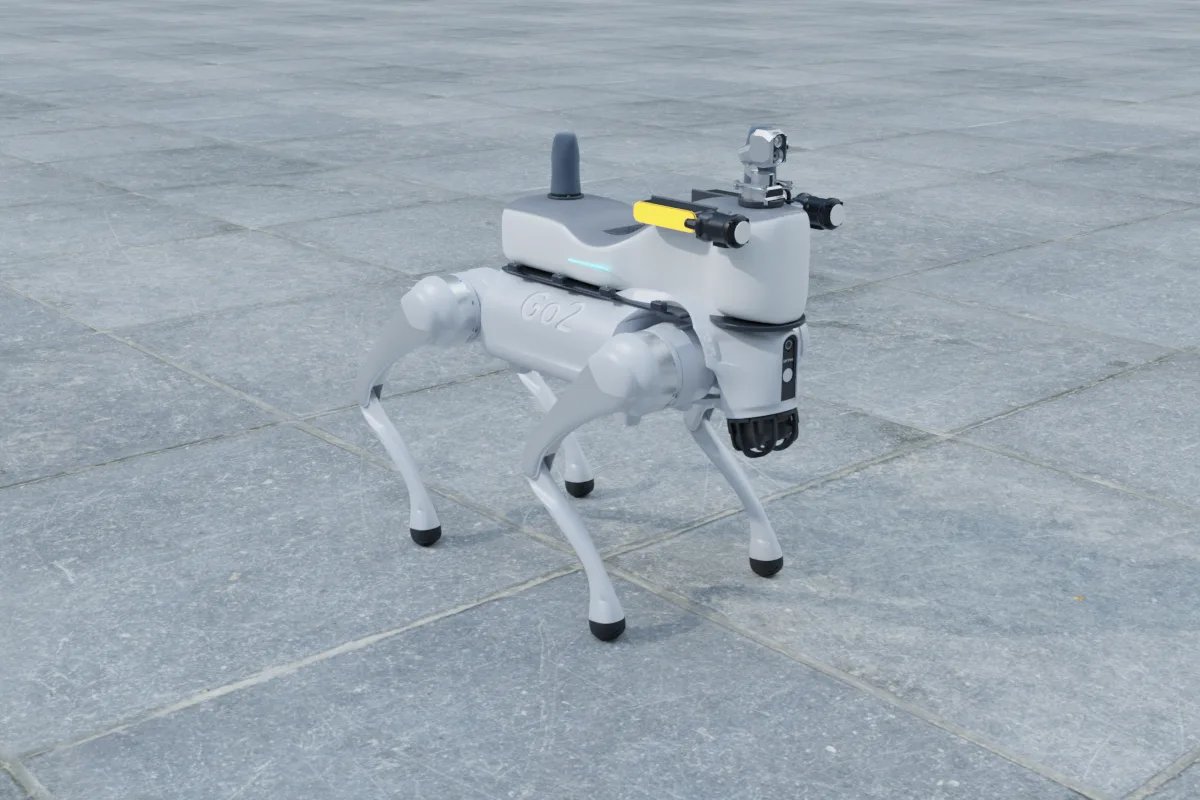
1. Choose the camera type
For inspection work we normally use a dual-spectrum gimbal: a visible camera and an uncooled thermal core on one pan-tilt head, so the operator sees the scene and the temperature at the same time. An example we integrate is the Hikvision HM-TD5737T-4/W robot micro gimbal (about 2.0 kg, up to 20 W, 384 × 288 thermal core with a 2688 × 1520 visible camera, rated IP66 by the manufacturer). Lighter fixed thermal modules are possible when you do not need pan and tilt.
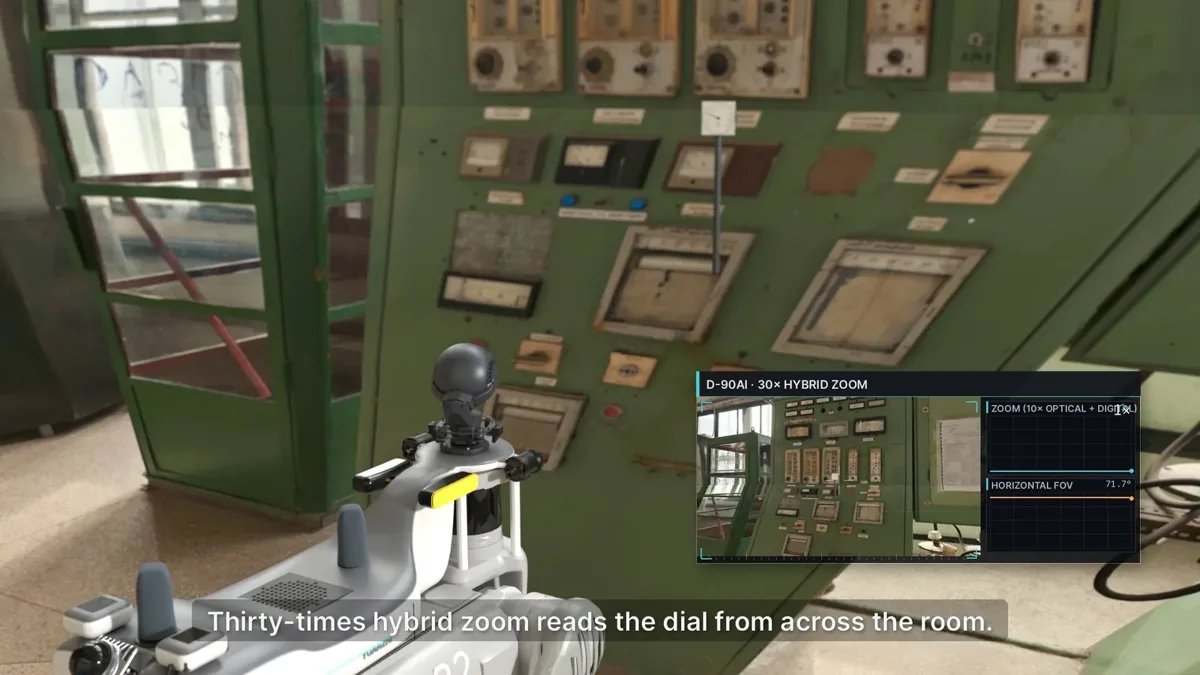
2. Check the weight budget
Add up everything on the back: camera, mounting plate, cables, any LiDAR, compute and communication modules. We keep about 25% margin over the sensor weight for brackets and cabling, and we keep the total well inside the robot's rated payload so walking stability and battery life stay acceptable. Mount heavy items low and close to the centre of the body.
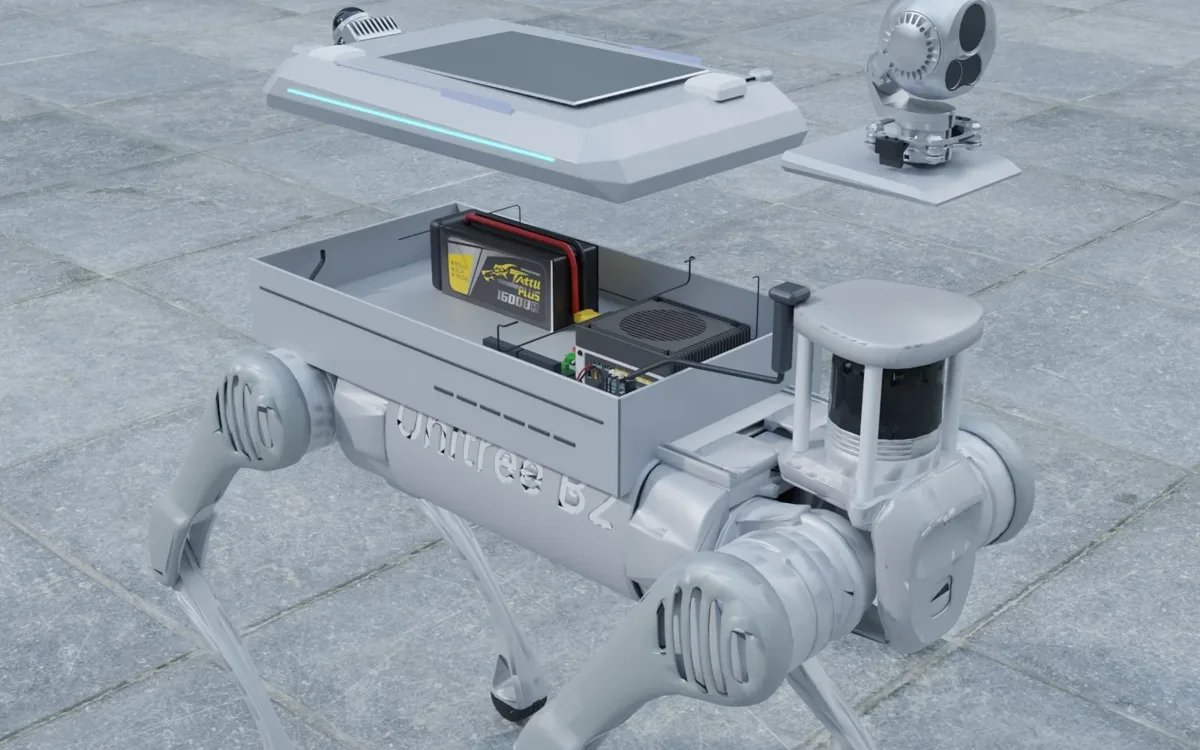
3. Plan power
The Go2 EDU can supply payloads from its battery through the expansion power port. A gimbal like the one above needs a regulated 12 V or 24 V rail, so we use a DC-DC converter and a small power distribution board inside the payload shell. Size the converter for the peak power of all devices together, not the average.
4. Connect data
Most robot gimbals stream video over Ethernet (RTSP) and take pan, tilt, zoom and temperature commands over an HTTP API (ISAPI for Hikvision). A small Ethernet switch in the payload shell connects the gimbal, a LiDAR and the onboard computer to the Go2 internal network.
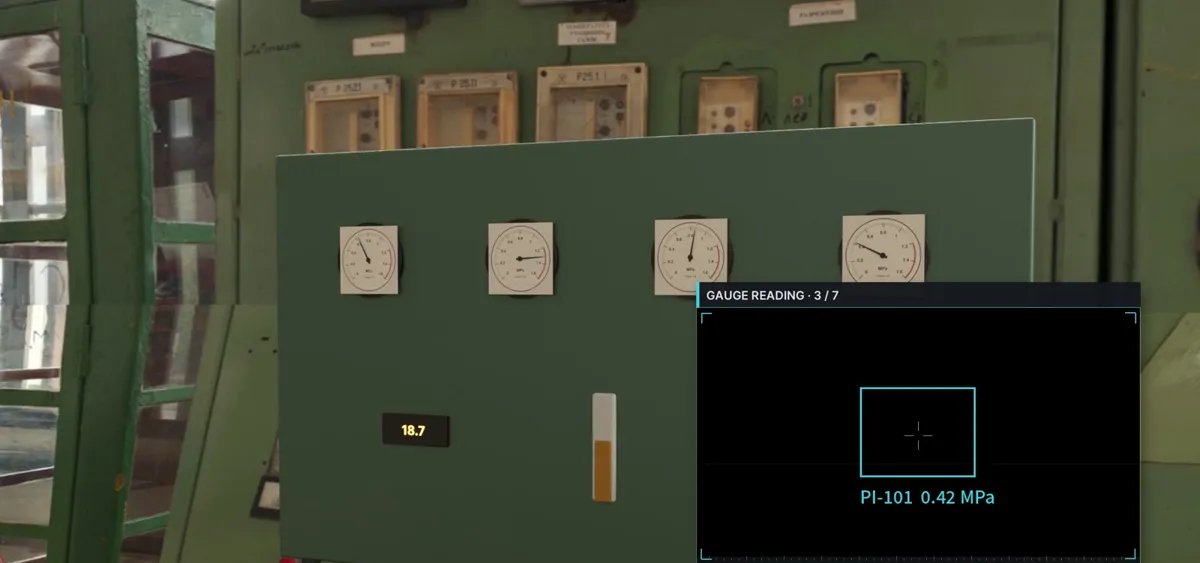
5. Integrate with ROS 2
On the onboard computer (for example a Jetson Orin NX running Ubuntu 20.04 and ROS 2) the video stream is published as an image topic, and a small node wraps the camera API for PTZ control and temperature readings. This is how the thermal data can be used in autonomous inspection routes: the robot stops at a waypoint, points the gimbal at a target and records the maximum temperature.
6. Protect it outdoors
Use a shell with cable glands and drip-proof connectors, and keep the gimbal window clear of the robot's legs and the LiDAR field of view. If you need a certified IP rating for the whole payload, plan for testing; individual component ratings do not automatically apply to the assembly.
Typical package
A common Go2 EDU inspection package combines a Livox Mid-360 LiDAR, a dual-spectrum gimbal, an Intel RealSense D435i depth camera, RTK GNSS and a 5G module in one aluminium back shell, for about 4.4 kg and 72 W peak. You can build and price your own combination in our online payload configurator, or see the Unitree Go2 EDU payload page.
FAQ
Can a Unitree Go2 EDU carry a thermal camera?
Yes. A robot micro gimbal of about 2 kg fits on the Go2 EDU back together with a LiDAR and other sensors, as long as the total stays well inside the robot's rated payload and heavy items are mounted low and central.
How is the thermal camera powered on a Go2 EDU?
From the Go2 battery through the expansion power port, with a DC-DC converter that provides the 12 V or 24 V rail the gimbal needs. The converter is sized for the peak power of all payload devices together.
Does the thermal camera work with ROS 2?
Yes. The video stream is published as a ROS 2 image topic and a small node wraps the camera API for pan, tilt, zoom and temperature readings, so it can be used in autonomous inspection routes.
Can it run on my existing Jetson Orin NX?
Yes. The gimbal connects over Ethernet and uses standard RTSP and HTTP interfaces, so it can be integrated with an existing Jetson Orin NX running Ubuntu and ROS 2.